 How To Use TapCredits
Back
Quick Start
- Create an account (or log in).
- Buy credits.
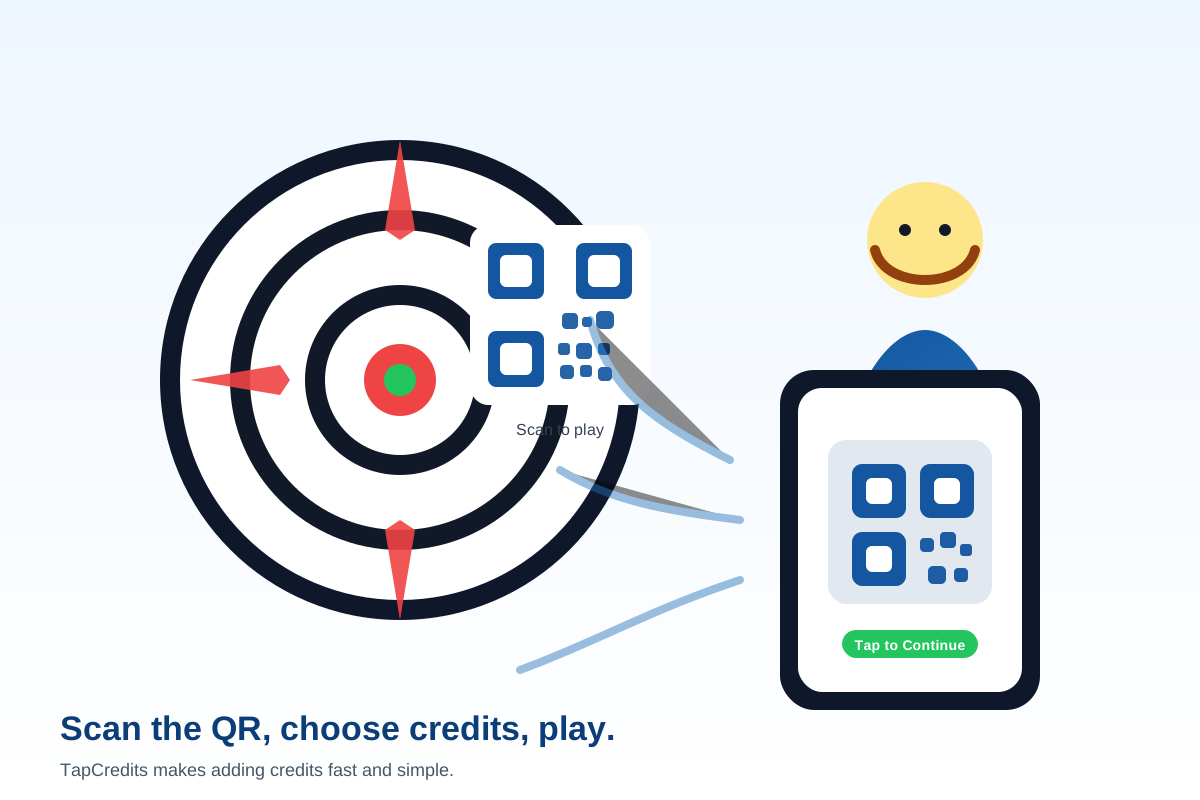
- Scan the machine QR code (or tap NFC) and send credits.
1. Create Your Account
Use your email and a strong password. You can log in from any phone, but we recommend enabling device remember on your personal phone so you don’t have to log in every time.
2. Buy Credits
In your TapCredits Wallet, tap Buy Credits. Your wallet balance updates immediately after purchase.
3. Use Credits at a Machine
- Open Scan & Use Credits.
- Scan the machine QR code, or tap NFC if enabled.
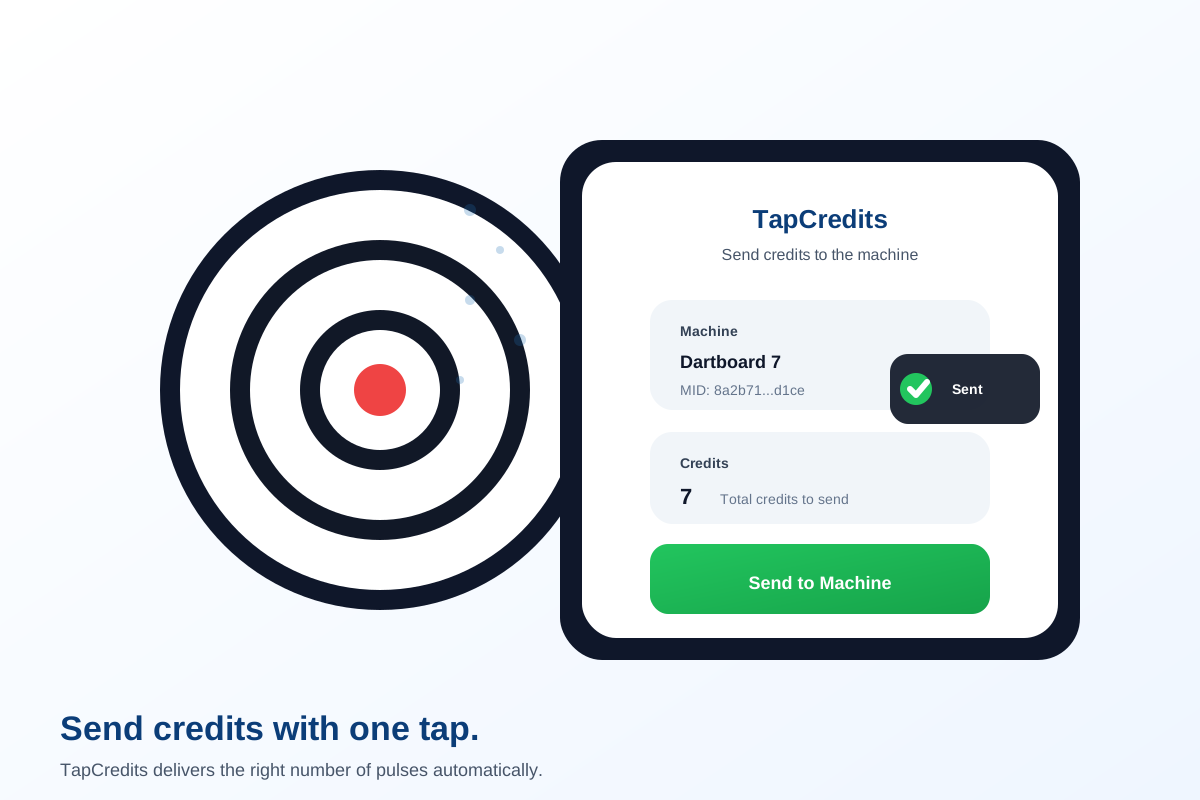
- Select a preset amount or enter a custom amount, then press Send to Machine.
Tip: The QR code is usually a link that looks like
https://tapcredits.com/enduser/use_credits.php?mid=.... TapCredits supports both QR and NFC.
Receipts and History
Use Receipts and Recent Usage in your wallet to review purchases and sends.
Need Help?
If a machine doesn’t accept credits, check for “offline” alerts (if shown) or try again after a minute. Some machines require a short gap between credit pulses.
Terms: Terms & Conditions